
QuickBooks Online, API, webhooks and single sign-on
Sync accepted invoices and progress billings with QuickBooks Online. Connect Site Unison to your other systems with API keys, signed webhooks and Power BI feeds, sign in with Google or Microsoft, and export accepted invoices and billings for QuickBooks Online or Sage.
Holdback handled
Shown as a minus line on each invoice.
PDF attached
The invoice file goes with the bill.
QuickBooks Online
Bills, invoices and payments, in sync
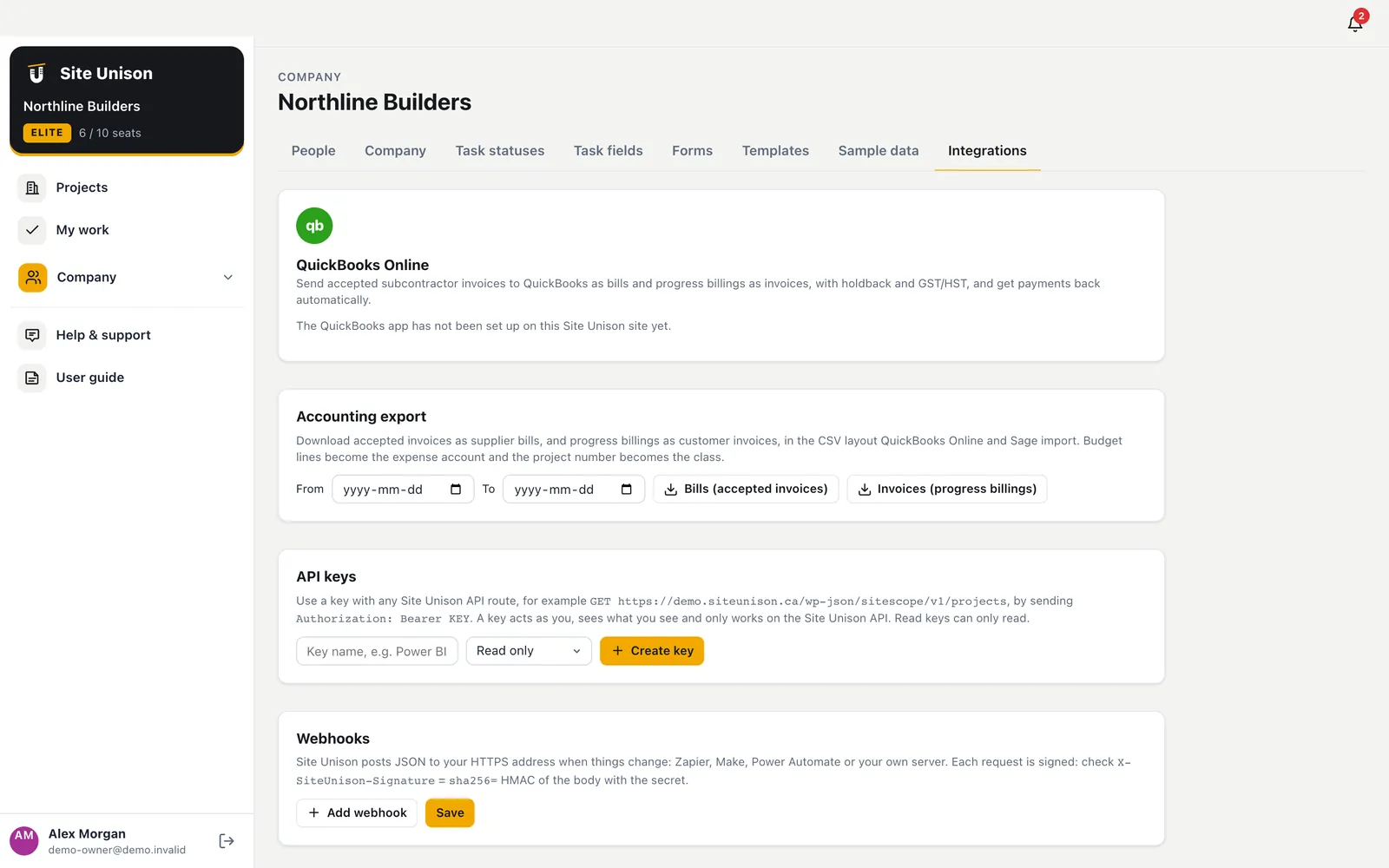
Connect your QuickBooks Online company. Accepted subcontractor invoices become bills split by budget division and tagged to the job, progress billings become invoices with holdback and GST/HST, and payments made in QuickBooks come back as paid. Choose automatic sync or a Sync to QuickBooks button, and turn on two-way sync to bring in bills entered in QuickBooks.
- Automatic or manual. Sync as items are approved, or one click at a time.
- Two-way sync. Bills entered in QuickBooks come in on the right job.
- Payments come back. Items are marked paid on their own.
API and webhooks
Connect anything
Create read-only or read-and-write API keys for the Site Unison API. Webhooks post signed JSON to Zapier, Make, Power Automate or your own server when tasks, RFIs, submittals, change orders, invoices, drawings, timesheets or logs change.
- Signed webhooks. HMAC SHA-256 signature on every request.
- Power BI and Excel feeds. JSON or CSV for every dataset.
- Keys you control. Revoke any time; last used is shown.
Single sign-on
One less password for your team.
Accounting exports
Bills and invoices for your accountant.
Sign-in and accounting
Single sign-on and clean exports
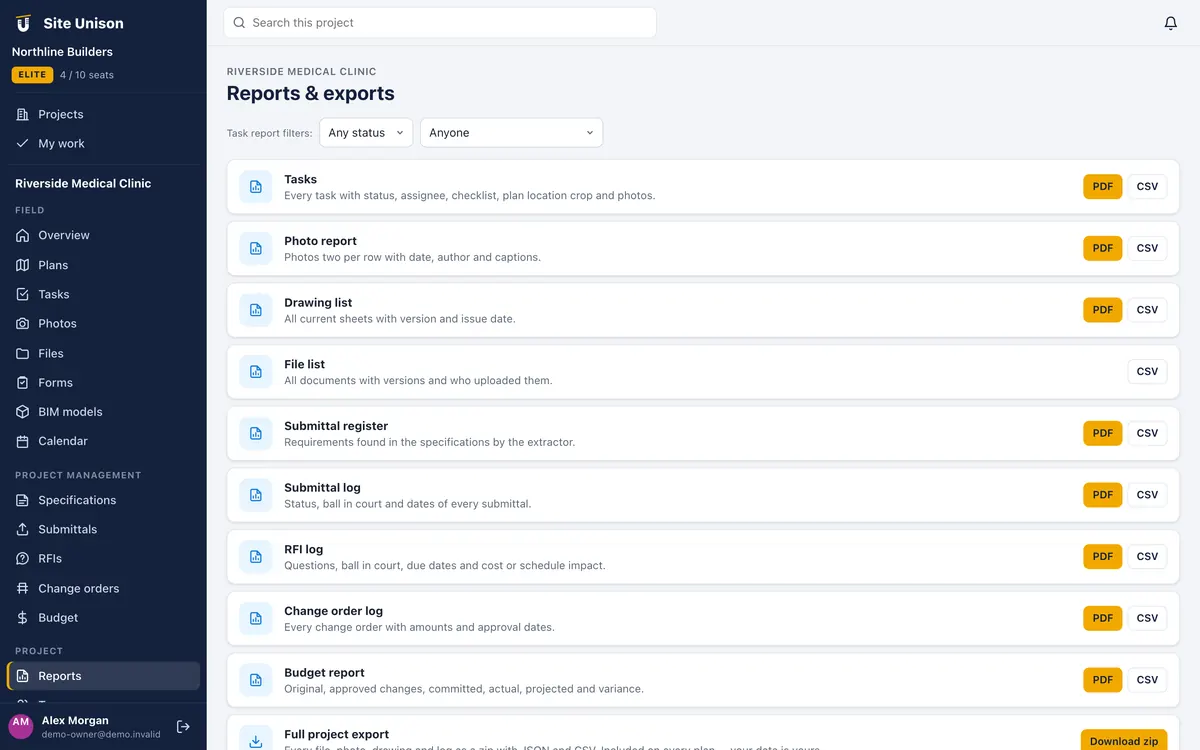
Let your people sign in with Google or Microsoft, and require it for your company email domain so passwords are not used at all. Export accepted invoices as supplier bills and progress billings as customer invoices, by project and date range, in the CSV layout QuickBooks Online and Sage import.
- Google and Microsoft sign-in. Required for your domain if you want.
- QuickBooks Online and Sage. Bills and invoices by date range.
- Project number as class. Costs land on the right job.
Choosing integrations that save double entry
Integrations matter when they remove double entry. Connect Site Unison to other systems with API keys, signed webhooks and Power BI feeds.
Sign in with Google or Microsoft and export accepted invoices and billings for your accounting software.
A quick checklist:
- API keys for your systems.
- Signed webhooks.
- Power BI feeds.
- Single sign-on.
Data sharing should respect PIPEDA. Start free, try the live demo or compare pricing.
Questions
Common questions
Do you sync live with QuickBooks?
Yes, with QuickBooks Online on Elite: automatically or with a Sync to QuickBooks button, with optional two-way sync. Sage users import CSV files by project and date range.
Does the API cover everything?
Yes. The app itself is built on the same API, so every list and record is available to your keys within your role.
Are integrations included?
Integrations are part of Elite.
Works with
Related features
Contracts, billing & payments
The owner contract, progress billings with holdback and GST, a payment ledger, lien documents and accounting exports.
Learn more →Portfolio & company tools
Every project at a glance with a risk rating, analytics, workforce planning, equipment, directory, assets and capital plans.
Learn more →AI assistant
Ask anything about a project, find the risks, draft RFIs, write daily logs from notes and photos, and check submittals.
Learn more →Run your next job in unison.
Start in a minute. The Free plan needs no credit card. Pro and Elite start with 14 days of Elite (estimating, billing, safety and the AI assistant): add a card, nothing is charged until the trial ends, then your plan is charged automatically. Add a sample project to explore first.