
RFIs, submittals and models for architects and engineers
Answer RFIs, review submittals and check the model in the contractor's project as a free guest, with every question and decision on the record.

What changes
How Site Unison helps
Clear questions
RFIs arrive with the drawing, the spec section and a suggested solution attached.
Know what is due
Ball-in-court and due dates show what is waiting on your office.
Model and drawings together
Open the IFC model and the current sheets in the browser, with nothing to install.
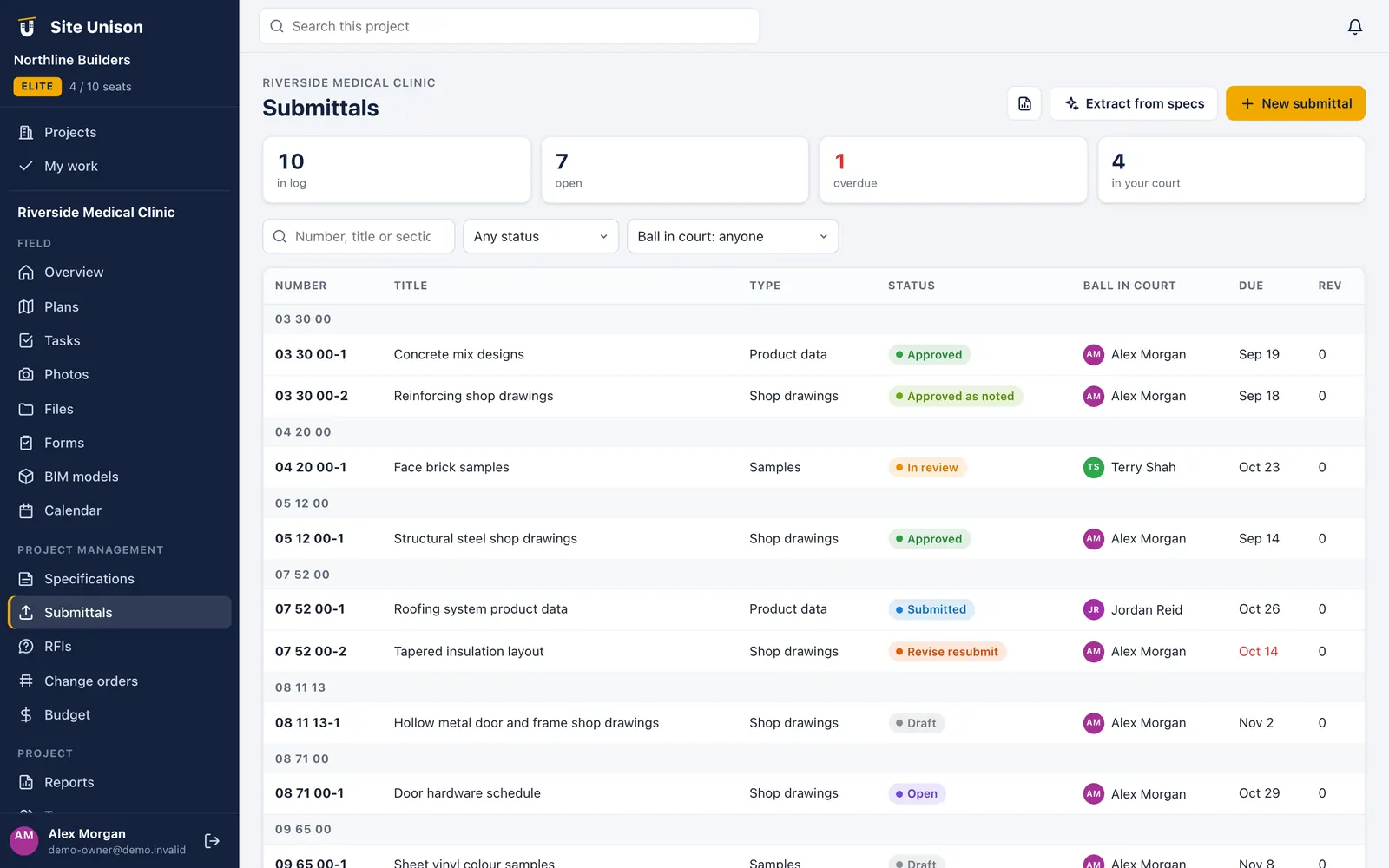
Submittals
Review packages in one place
Each submittal shows the spec section, the type, the documents and the history, so your reviewer can respond without digging through email.
- Linked to the specification section
- Documents and revisions attached
- Status and ball in court tracked
The tools you will use most
Features for this role
Plans & drawings
Upload a set and every sheet is split, numbered and titled. Mark up, pin tasks and compare revisions.
Learn more → Specs free · EliteRFIs, submittals & specs
Ball-in-court RFIs and a submittal register built straight from the specification book.
Learn more → EliteBIM viewer
Open IFC, glTF and OBJ models in the browser with section cuts and element properties.
Learn more →Questions
Common questions
Do consultants need a paid seat?
No. Architects and engineers are invited as free view-only guests and can reply in the discussion.
Can we upload revised drawings?
If the contractor makes you a member, yes. Many teams have the contractor upload bulletins so the set stays controlled.
Is the record permanent?
Closed RFIs keep the official answer and the full discussion, and everything is included in the project export.
Run your next job in unison.
Start free in a minute with no credit card. Every new company gets 14 days of Elite, and you can add a sample project to explore before you load your own.